The details stay
with the room.
Capture requirements, measurements, observations and photos. Each room keeps its own survey and product choices.
Survey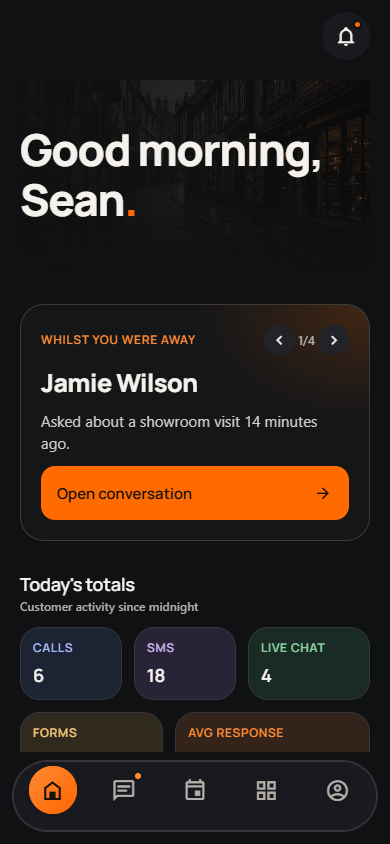
 The Stove
Your customers, surveys, product choices and quotes. One connected workspace for the fire and stove trade.
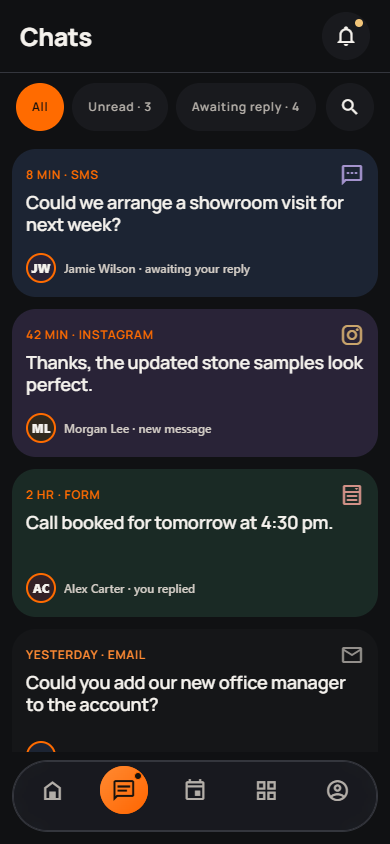
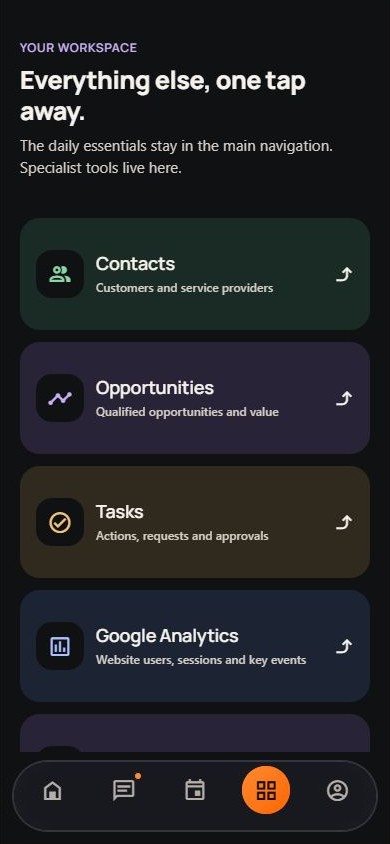
Existing app screen shown. The Stove Group update is in preparation.
Move between the tools available to your business. Keep the customer, the conversation and the work in one connected workspace.
Explore the installer workflowCapture requirements, measurements, observations and photos. Each room keeps its own survey and product choices.
SurveyBring product choices and configuration details together while you talk through the job with the customer.
ProductsBuild and edit a parts list, work with prices and save recurring baskets as templates for future jobs.
PartsPrepare quotations with materials and labour, review the customer presentation and manage their delivery.
QuotesPresent the shortlisted options and quotation through the customer’s personal portal link.
Customer portalUse connected customer records and conversations to see where enquiries and projects stand.
WorkspaceThe survey, shortlist and quote belong with the customer. Bring them together in the same workspace.
Give the customer a personal portal link to review the products and quotation you have prepared. Keep the discussion connected to the customer’s records.
Go to your workspaceStep through the survey, product choices, quotation and customer portal. This interactive illustration uses example content.
Account access and available features are configured for each business. Setup, integrations and the release plan are discussed before rollout.
Talk through your setupROOM
WHAT DOES THE CUSTOMER HAVE IN MIND?
One survey for each room. Details stay together.
ROOM SHORTLIST
FINISHES
Keep the alternatives together before a final choice.
QUOTE BUILDER
Review the specification and totals before issuing the quote.
THE CUSTOMER’S VIEW
Prepared by your installer
A personal link, with the customer’s options and quote.
For account access, a connection problem or a privacy request, contact The Stove Group. Tell us which feature needs help and the message shown.
Please never send passwords, access tokens or security codes.
hello@thestovegroup.com All contact details